

You bought a MagSafe charger for one reason: snap the phone on, walk away, come back to a full battery. So when you return an hour later and the battery has crawled from 40% to 55%, something is wrong.
The good news: slow MagSafe charging is almost never a broken charger or a dying phone. It's nearly always one of the nine causes below, and most take under a minute to fix. Work through them in order, because they're sorted from most common to least.
1. Your Power Adapter Is Too Weak
This is the number one cause by a wide margin. A MagSafe charger is only as fast as the wall adapter feeding it.
For full 25W wireless speed, you need a USB-C power adapter rated 30W or higher. Plug your MagSafe puck into an old 5W cube from a drawer and you'll get a trickle, no matter how premium the charger is.
Fix: Use a 30W or stronger USB-C PD adapter. Check the tiny print on your current adapter; if it says 5W or 12W, you've found your problem.
2. The Cable Is the Bottleneck
If your charger has a detachable cable, a cheap or damaged USB-C cable can silently cap the power. Older USB-A to USB-C cables are common offenders.
Fix: Use the cable that came with the charger, or any certified USB-C to USB-C cable rated for 60W or more.
3. Your Phone and Charger Are Misaligned
True MagSafe and Qi2 chargers snap into place magnetically, so alignment should be automatic. But if you're using a flat Qi pad, or a case that weakens the magnetic grip, the coils can sit a few millimeters off center. Misalignment doesn't just slow charging; the wasted energy turns into heat, which slows things further (see fix 5).
Fix: Make sure you feel a firm magnetic snap. If your setup relies on eyeballing the position, switch to a magnetic stand that aligns the coils perfectly every time.
4. Something Metal Is in the Way
Metal ring holders, plate mounts for car magnets, wallet attachments, and even some credit cards left in wallet cases will block or distort the charging field. Some phones refuse to charge at all; others charge very slowly and get hot.
Fix: Strip anything metal off the back of the phone. MagSafe wallets designed for charging pass-through are the exception, but even Apple's own wallet must be removed for charging.
5. The Phone Is Too Hot
iPhones deliberately throttle charging speed when the battery gets warm, and wireless charging generates more heat than cable charging by nature. Charging in direct sunlight, under a pillow, or on a heat-trapping surface triggers this protection constantly.
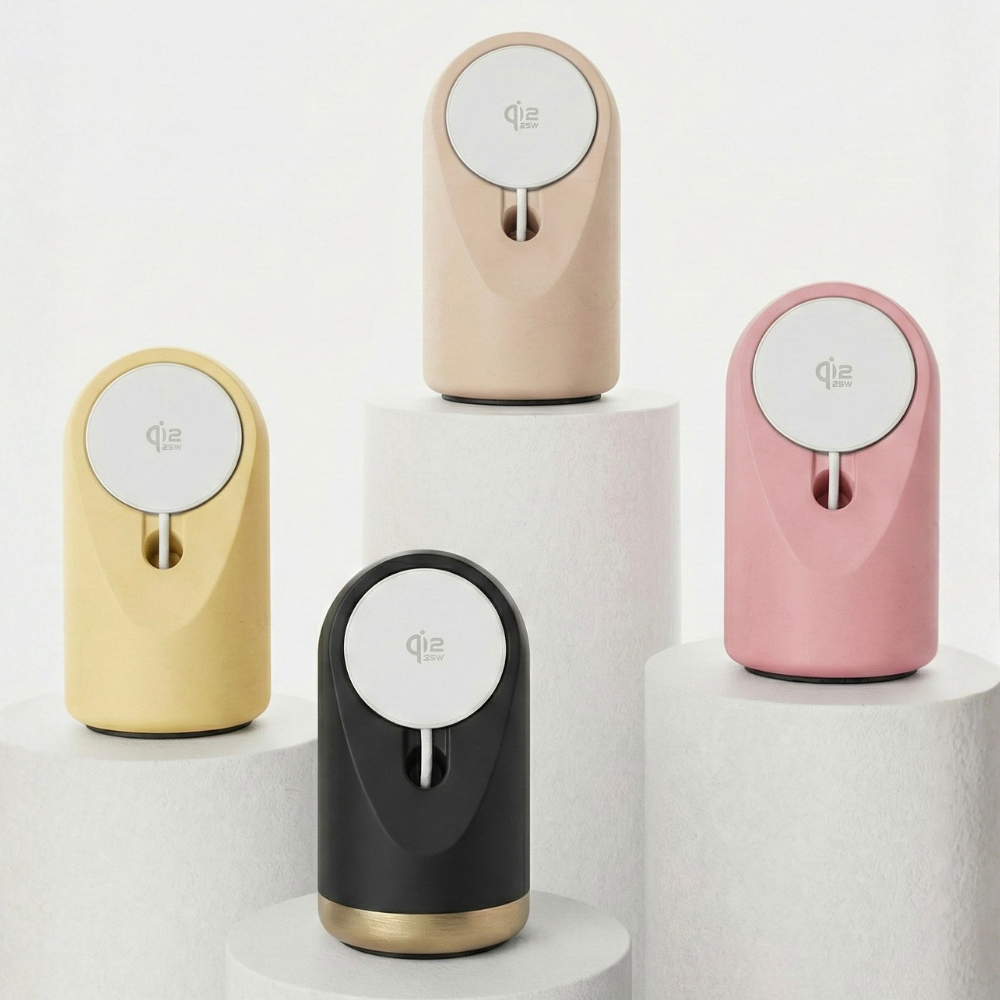
Fix: Charge in a ventilated spot away from sunlight. A stand beats a flat pad here, because air circulates behind the phone instead of heat pooling between phone and pad. Stand material matters too: a dense concrete stand like our Heritage passively absorbs and disperses warmth, while hollow plastic reflects it back at the phone.
6. Your Case Is Too Thick
MagSafe charges reliably through cases up to about 3mm. Rugged cases, battery cases, and thick folios push past that limit, weakening both the magnetic grip and the power transfer.
Fix: Test charging without the case. If speed jumps, the case is the culprit. Look for cases labeled MagSafe compatible, which have the magnet ring built in.
7. Optimized Battery Charging Is Doing Its Job
If your iPhone charges normally to 80% and then seems to stall, that's not a fault. iOS intentionally pauses at 80% and finishes charging just before you typically need the phone, to protect long-term battery health.
Fix: Nothing to fix, honestly. But if you need 100% right now, tap the notification on the lock screen that says Charge Now, or toggle the feature in Settings, Battery, Charging.
8. Low Power Mode or Background Activity
Low Power Mode reduces charging speed slightly, and a phone busy syncing photos, downloading updates, or running navigation is consuming power while charging, which looks like slow charging.
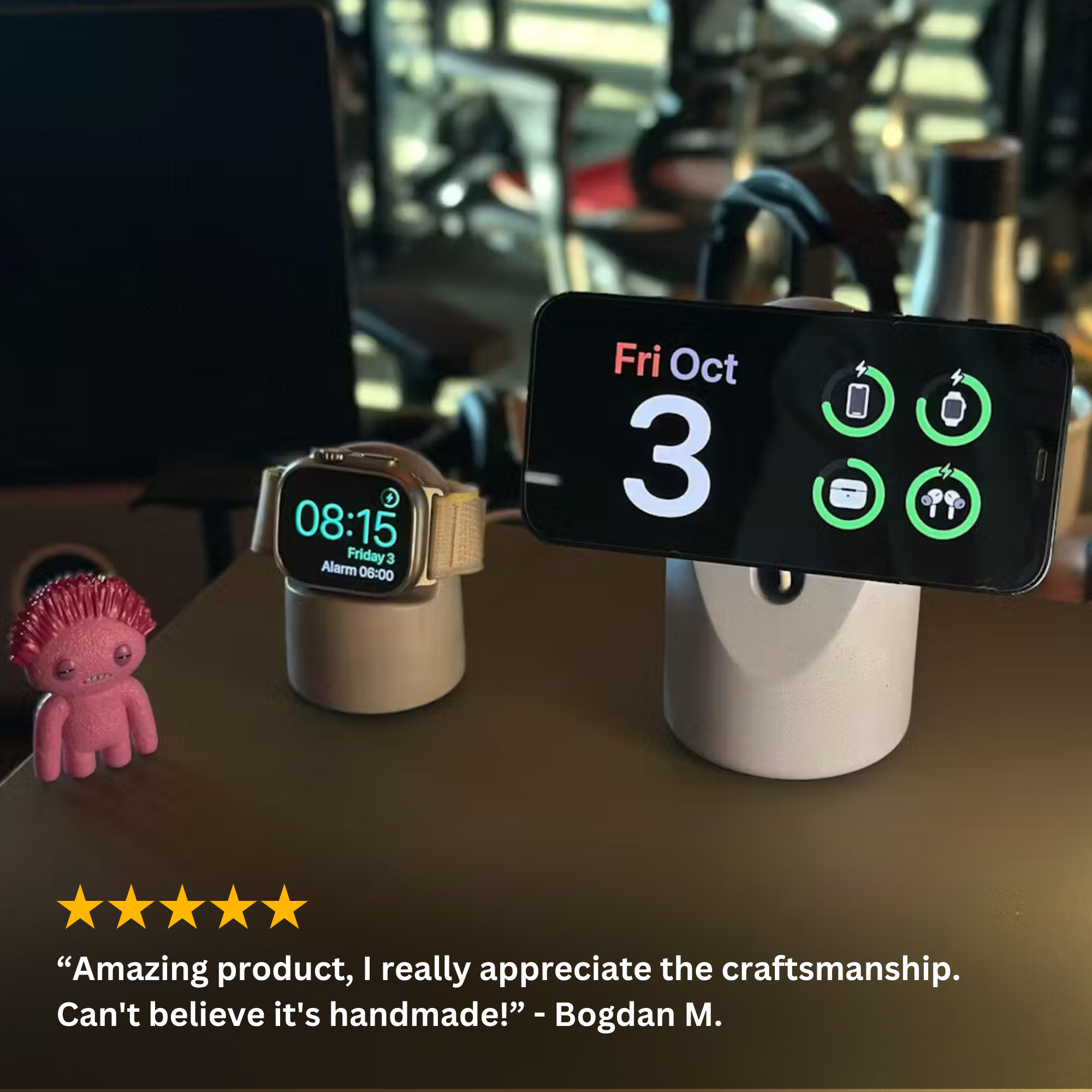
Fix: Charge with the screen locked when speed matters. StandBy Mode is fine; it's designed to sip power while displaying the clock.
9. The Charger Itself Is Uncertified
If you've cleared all eight causes above and charging is still crawling, the charger may simply be a low-quality uncertified unit that never delivered its advertised wattage in the first place. Marketplace listings claiming "15W fast wireless" for a few euros routinely test at 5W.
Fix: Replace it with a certified MagSafe or Qi2 charger from a brand that publishes real specs and offers a warranty. Every Heritage stand ships with a certified 25W USB-C wireless charger, covered by our 2-year warranty, so the electronics match the stand.
Quick Diagnostic Checklist
Run through this in 60 seconds:
- Wall adapter rated 30W+ USB-C?
- Certified USB-C cable?
- Firm magnetic snap when the phone attaches?
- No metal on the back of the phone?
- Phone cool to the touch?
- Case under 3mm and MagSafe compatible?
- Battery below 80%, or Optimized Charging pausing it?
- Screen locked, no heavy background tasks?
- Charger from a certified brand?
Nine yes answers and slow charging is essentially impossible.
FAQ
How fast should MagSafe charging be? With a 25W MagSafe or Qi2 charger, a 30W adapter, and a recent iPhone, expect roughly 50% in 30 minutes. Older 15W chargers take about 45 minutes to reach 50%.
Does MagSafe charge slower through a case? Slightly, and only if the case is thick or lacks the magnet ring. A proper MagSafe compatible case under 3mm has negligible impact.
Why does my iPhone stop charging at 80%? That's Optimized Battery Charging protecting your battery. It finishes to 100% shortly before your usual wake time. Tap Charge Now on the lock screen to override it.
Is slow wireless charging bad for the battery? No. Slower charging is actually gentler on the battery. The concern with slow MagSafe charging is convenience, not damage.
Perfect alignment, every time: the Heritage Concrete MagSafe Stand snaps your iPhone onto a certified 25W charger at the ideal 17° angle, on a solid concrete base that never slides. Handmade in Europe, free EU shipping, 2-year warranty.

Leave a comment
This site is protected by hCaptcha and the hCaptcha Privacy Policy and Terms of Service apply.